The 11xplay Withdrawal Guide: Money Out in Minutes
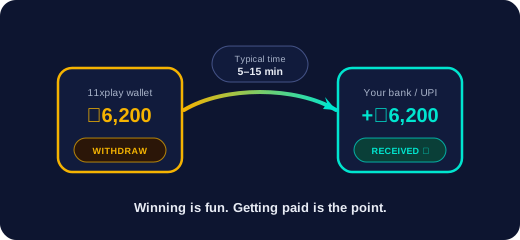
Winning is fun; getting paid is the point. Here is the complete, honest picture of how money leaves your 11xplay wallet — the steps, the real timings, and the few things that can slow a payout down.
The exact steps
- 1. Open your official WhatsApp chat and send: “Withdraw ₹2,000 to name@upi” (your amount, your UPI ID).
- 2. The team confirms the request in chat — usually within a minute.
- 3. The transfer is processed; you get the confirmation and the money hits your UPI app. Typical total: 5–15 minutes.
That’s all. No forms, no “pending review” black box, no banking-hours excuse — the payout desk runs 24/7 like everything else here.
Real timings by scenario
- Ordinary weekday: often under 5 minutes
- IPL match night (peak load): 5–15 minutes
- Bank IMPS instead of UPI: 15–30 minutes
- Large win: a quick confirmation message first, then paid — sometimes split across transfers for bank limits
- Pro members: priority queue, usually under 5 minutes even at peak
Why a payout might pause (and the fix)
- UPI ID typo — the #1 cause. Copy-paste your UPI ID; don’t type it from memory.
- Name mismatch — payouts go to the account holder’s own instrument. Withdrawing to a friend’s UPI triggers a check.
- Bank-side delay — rare UPI outages at the receiving bank. The team will show you the transfer reference so you can chase it with proof.
The habit worth copying
Long-term players sweep profits weekly: every Sunday, anything above the starting bankroll goes out. It costs nothing (11xplay charges zero withdrawal fees), takes two minutes, and turns good weeks into money in your bank instead of ammunition for a bad Tuesday. Pair it with the bankroll rules in our betting tips guide.