11xplay — Your Online Betting ID in 2 Minutes
Play cricket exchange, live casino, Teen Patti and Aviator with one secure 11xplay ID. Instant WhatsApp registration, UPI deposits from ₹300, and withdrawals that hit your account in minutes — day or night.
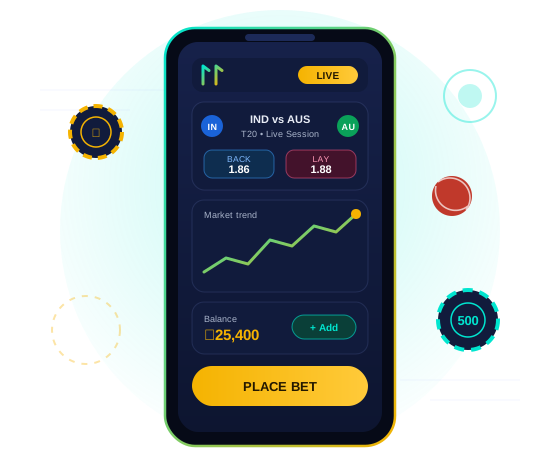
One ID. Every Game. Better Odds.
11xplay is a betting exchange, not a bookmaker — you play against other players, so the odds are sharper and the margins stay in your pocket.
⚡ 2-Minute Setup
Message us on WhatsApp and your 11xplay ID and password arrive before you finish your chai. No paperwork, no waiting.
🎰 500+ Games
Cricket, football and tennis exchange markets plus Teen Patti, Andar Bahar, Dragon Tiger, roulette, slots and Aviator.
₹ UPI In & Out
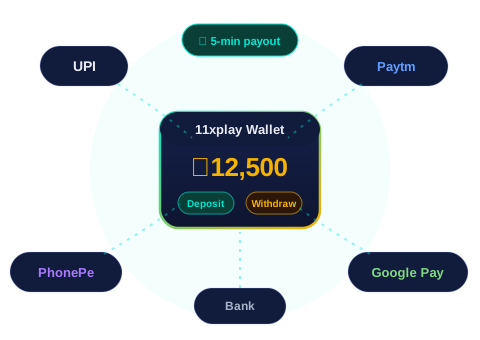
Deposit from ₹300 with UPI, Paytm, PhonePe or Google Pay. Withdrawals processed 24/7, usually within minutes.
💬 Human Support
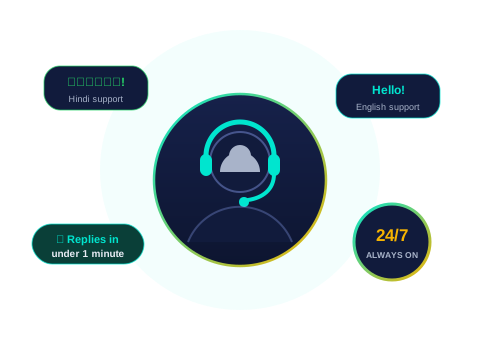
Real people on WhatsApp round the clock, in Hindi and English. Average first reply: under one minute.
What Is 11xplay?
11xplay is an online betting exchange built for Indian players — a platform where you bet against other players rather than against a bookmaker. That single design choice defines everything else: odds are set by the market of thousands of players trading against each other, which keeps prices consistently sharper than fixed-odds sites, and lets you lay outcomes (bet against them) as well as back them. One 11xplay ID and one wallet cover the entire platform.
The heart of 11xplay is cricket. Every match with a scoreboard is on the exchange — IPL, T20 and ODI World Cups, every India series home and away, Tests, Big Bash, PSL, CPL and domestic leagues — each carrying live match odds plus the session markets India actually plays: runs in 6 overs, wickets by over 10, next-over totals, batter run lines. Odds refresh ball by ball, and markets settle within minutes of the over completing. Beyond cricket, football, tennis and kabaddi run year-round on the same account.
The second pillar is the live casino: HD-streamed tables with real dealers running 24 hours — roulette, blackjack and baccarat alongside the Indian classics, Teen Patti, Andar Bahar and Dragon Tiger, many with Hindi-speaking dealers. Add Aviator and 300+ slots from ₹10 a spin, and the innings break never has dead time.
Around the games sits the machinery that earns the trust: registration on WhatsApp in about 2 minutes with no KYC to start, UPI deposits from ₹300 credited instantly, withdrawals processed 24/7 that typically land in 5–15 minutes, and a human support desk that answers in under a minute in Hindi or English — at 2 PM or 2 AM. Prefer an installed app? The Android APK takes two minutes; iPhones run the site full-screen from the home screen. High-volume players graduate to 11xplay Pro for raised limits and priority payouts.
Betting involves real financial risk, and 11xplay is strictly for players 18 and over. Deposit limits, session caps and cool-off periods are free and one message away — the platform is built to be played for entertainment, with brakes included.
Get Your 11xplay ID in 3 Simple Steps
Message on WhatsApp
Tap the button below and say “New ID”. Our team is online 24/7 — even at 3 AM during an IPL night.
Receive Your ID
Your personal username and password arrive within 2 minutes. Log in from any phone, tablet or computer.

Deposit & Play
Add funds via UPI from just ₹300 and start playing instantly. Your winnings withdraw just as fast.
What You Can Play on 11xplay
Every game below runs under the same wallet and the same 11xplay ID — switch from a cricket session market to a Teen Patti table in two taps.
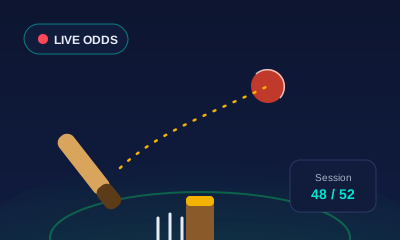
Cricket Exchange
IPL, T20 World Cup, ODI and Test markets with live back/lay odds and ball-by-ball session betting.
Explore cricket betting →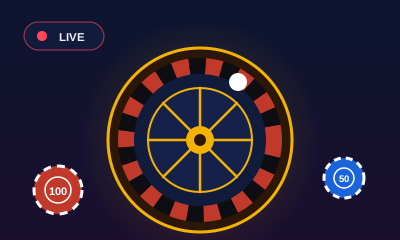
Live Casino
Real dealers streamed in HD — roulette, blackjack, baccarat and game shows, running 24 hours a day.
Explore live casino →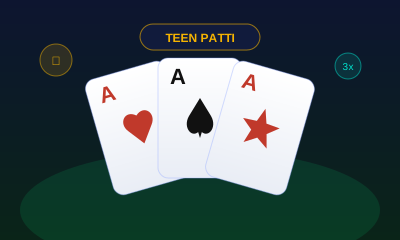
Teen Patti & Indian Cards
Teen Patti, Andar Bahar and Dragon Tiger with real dealers, Hindi tables and stakes for every pocket.
See card games →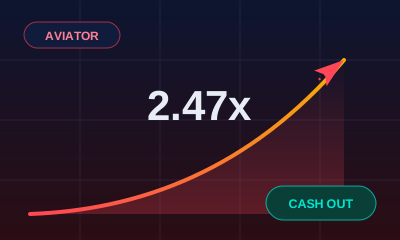
Aviator & Instant Games
Watch the multiplier climb and cash out before the plane flies away — plus slots, crash and instant-win games.
Try instant games →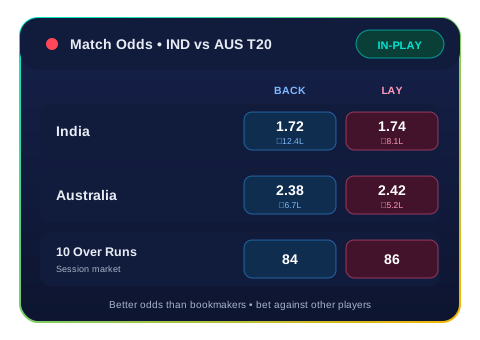
Why an Exchange Beats a Bookmaker
On a traditional betting site, you bet against the house — and the house sets the price. On the 11xplay exchange you bet against other players: back a team to win or lay it to lose, at odds the market itself decides.
- Sharper odds — typically 10–20% better returns than fixed-odds bookmakers
- Lay betting — profit from predicting who will lose, not just who will win
- Live session markets — runs in the next over, wickets this innings, and more
- Cash-out control — lock in profit before the match even finishes
Deposits & Withdrawals at UPI Speed
Money in should be instant, and money out should be just as fast. That is the standard 11xplay holds itself to — every day, including Sundays and match nights.
| Method | Deposit | Withdrawal |
|---|---|---|
| UPI / Google Pay / PhonePe | Instant | 5–15 min |
| Paytm | Instant | 5–15 min |
| Bank transfer (IMPS) | Instant | 15–30 min |
Minimum deposit just ₹300 — see the full guide on our deposit & withdrawal page.

Start With a 100% Welcome Bonus
Your first deposit on 11xplay is matched 100% — deposit ₹1,000 and play with ₹2,000. Regulars earn refill bonuses, cashback on tough weeks, and special IPL-season offers announced on WhatsApp first.
- 100% bonus on your first deposit
- Weekly cashback and refill offers
- Referral rewards when friends join with your name
Full details and terms on the bonus & offers page.
Claim Your BonusReal Support, Real People, 24/7
No ticket queues and no bots reading scripts. The 11xplay support team answers on WhatsApp in Hindi or English — whether you need a new ID, help with a deposit, or a withdrawal status at 2 AM during a T20 night.
- Average first reply under one minute
- Hindi and English support, every day of the year
- Deposits, withdrawals and ID recovery handled in chat
11xplay at a Glance
The numbers that matter, in one place — each verified daily by the thousands of players using them.
| Platform type | Betting exchange (player vs player, back & lay) |
|---|---|
| ID creation | Free, via WhatsApp, ~2 minutes, no KYC to start |
| Minimum deposit | ₹300 via UPI, Paytm, PhonePe, Google Pay or bank |
| Withdrawal time | 5–15 minutes typical, processed 24/7, zero fees |
| Sports covered | Cricket (all formats + sessions), football, tennis, kabaddi |
| Casino games | Live roulette, blackjack, baccarat, Teen Patti, Andar Bahar, Dragon Tiger, Aviator, 300+ slots |
| Welcome bonus | 100% match on first deposit, auto-applied |
| Apps | Android APK (direct download) · iPhone home-screen app · any browser |
| Support | 24/7/365 on WhatsApp, Hindi & English, <1-min first reply |
| Age policy | Strictly 18+ · free deposit limits & cool-offs |
11xplay — Frequently Asked Questions
What is 11xplay?
11xplay is an online betting exchange for Indian players. Instead of betting against a bookmaker, you bet against other players at better odds. It covers cricket (IPL, T20, ODI, Test), football, tennis and kabaddi, plus live casino games like Teen Patti, Andar Bahar, Dragon Tiger, roulette and Aviator — all under one 11xplay ID.
How do I get an 11xplay ID?
Message us on WhatsApp, tell us you want a new 11xplay ID, and you will receive your username and password within 2 minutes. No forms, no KYC documents to start — just a working WhatsApp number. Then deposit via UPI and start playing.
Is 11xplay safe and genuine?
Yes. 11xplay uses encrypted connections, keeps your wallet balance separate from game funds, and processes withdrawals 24/7 — most payouts reach your account within 5 to 15 minutes. Our support team is available round the clock in Hindi and English on WhatsApp.
What is the minimum deposit on 11xplay?
The minimum deposit is ₹300. You can pay with UPI, Paytm, PhonePe, Google Pay or direct bank transfer. Deposits reflect in your wallet instantly.
How do withdrawals work on 11xplay?
Send a withdrawal request from your account or on WhatsApp any time — there is no banking-hours restriction. Payouts are processed 24/7 and typically arrive within 5 to 15 minutes to your UPI or bank account.
Does 11xplay have a mobile app?
Yes. The 11xplay app is available for Android as a direct APK download from this website (the Play Store does not list real-money gaming apps in India). iPhone users can add the website to their home screen for a full app-like experience. The mobile site works perfectly in any browser too.
Can I play 11xplay during IPL?
Absolutely — IPL is the busiest season on 11xplay. You can bet on match winners, session runs, over/under markets, player performance and live in-play odds that update ball by ball.
What is the 11xplay WhatsApp number?
Tap any "Get Your ID on WhatsApp" button on this page — it opens a direct WhatsApp chat with the official 11xplay team. That is the fastest and safest way to reach us for new IDs, deposits, withdrawals or any help.